PayCentral app
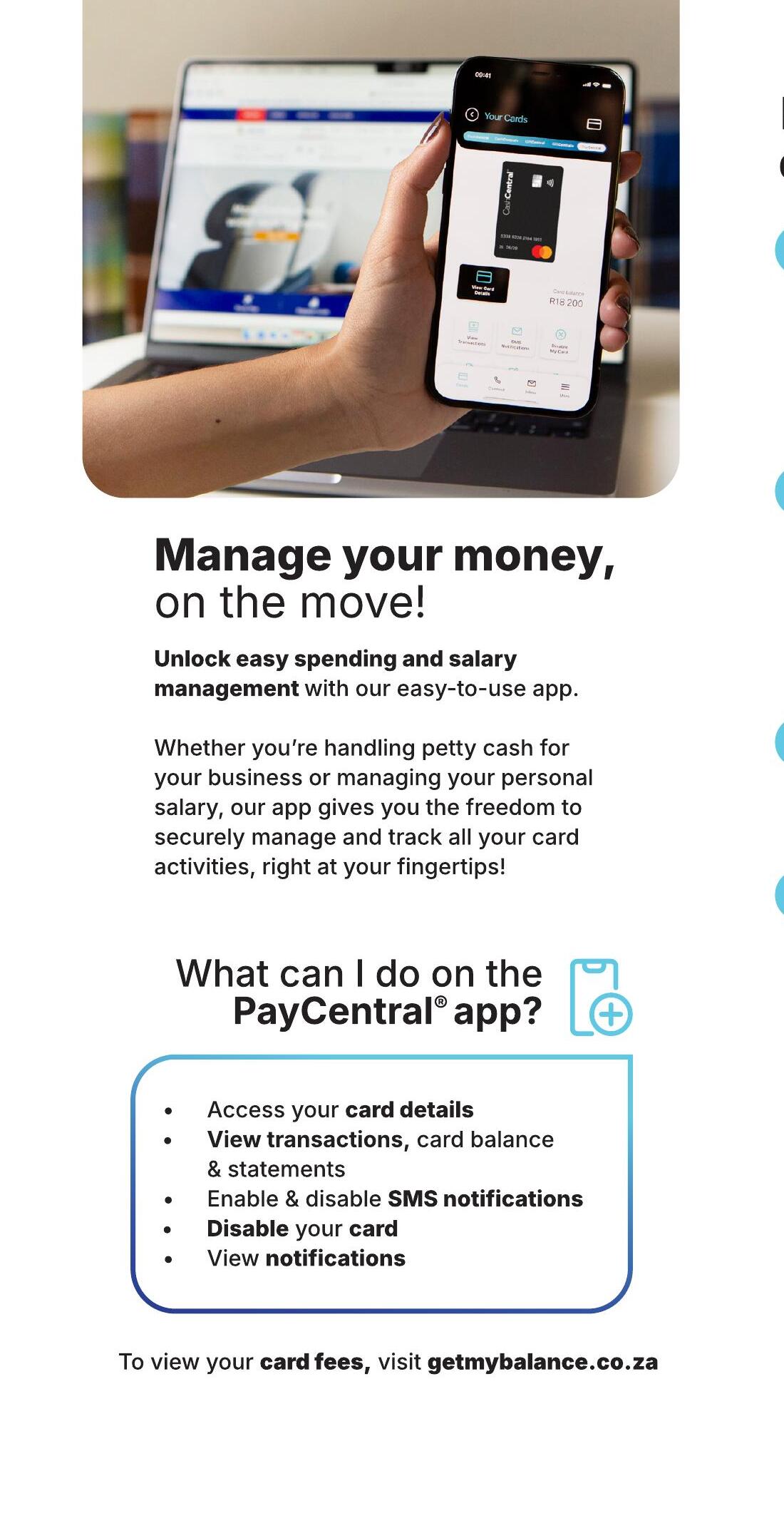
Manage your money, on the move
Unlock easy spending and salary management with the PayCentral app. Handle petty cash, track personal salary, view transactions and reset your PIN, right from your phone.
Download now
The PayCentral® app
Access your card details, view transactions and statements, enable or disable SMS notifications, reset your PIN and disable your card, all in one place.
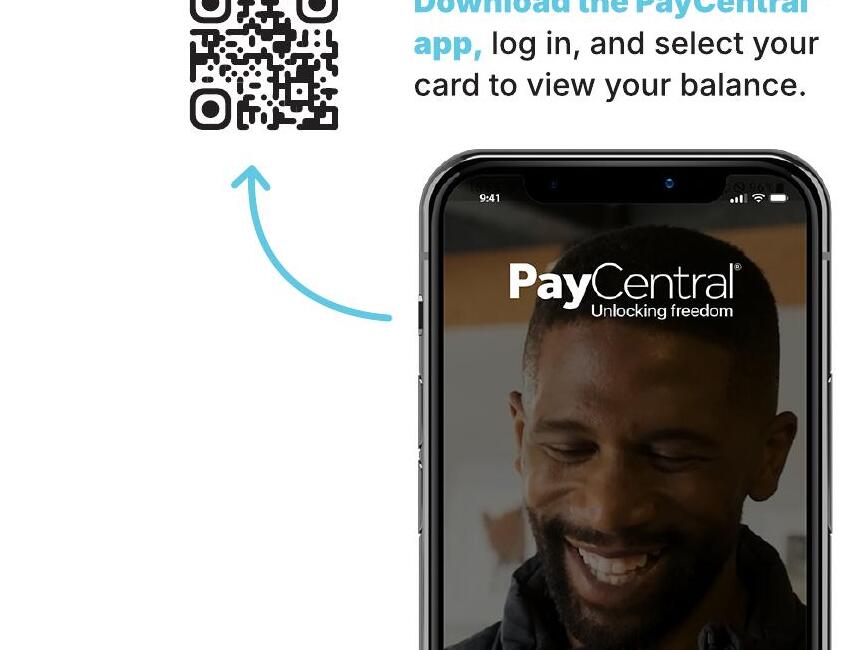
Scan to download
In the app
What can I do on the PayCentral® app?
Every cardholder workflow referenced in the F&I FAQs lives inside the app.
Access your card details
Card number, expiry and CVV behind a secure unlock.
View transactions, balance & statements
Card and Wallet activity, downloadable statements.
Enable & disable SMS notifications
Per-transaction SMS alerts toggled on or off.
Check & reset your PIN
Choose a new 5-digit PIN without contacting support.
Disable your card
Instantly block a lost or compromised card.
View notifications
Approvals, OTPs and security alerts in one feed.
How to activate
Activate your PayCentral card in 4 steps
Activation is completed online via FICA registration on paycentralworld.co.za. Cardholders can also use the mobile app or getmybalance.co.za as a fallback.
01
Enter card details
Last 4 digits of the new card and your registered cellphone number.
02
Verify OTP
Enter the one-time PIN sent by SMS to confirm identity.
03
Set a PIN
Choose a 5-digit PIN. Keep it secure and do not share it.
04
Tap to activate
Card is live for POS, ATM and online (CashCentral+) in seconds.
Use this card to
Cashless payments, instantly
- Swipe, tap or insert at any local retailer card machine
- Manage business petty cash expenses
- Buy stock, supplies and materials
- Control project budgets
- Receive salary and wage payments
- Reward yourself with your earned incentives